The dedicated Audyssey calibration file manager and curve uploader for Denon and Marantz AV receivers.
Upload Audyssey .ady calibrations direct to Speaker Preset slots over Wi-Fi. Import A1 Evo Acoustix .oca, REW .mdat, .frd, and PEQ exports into your local library for browsing and comparison. The companion piece to AVR Maestro.
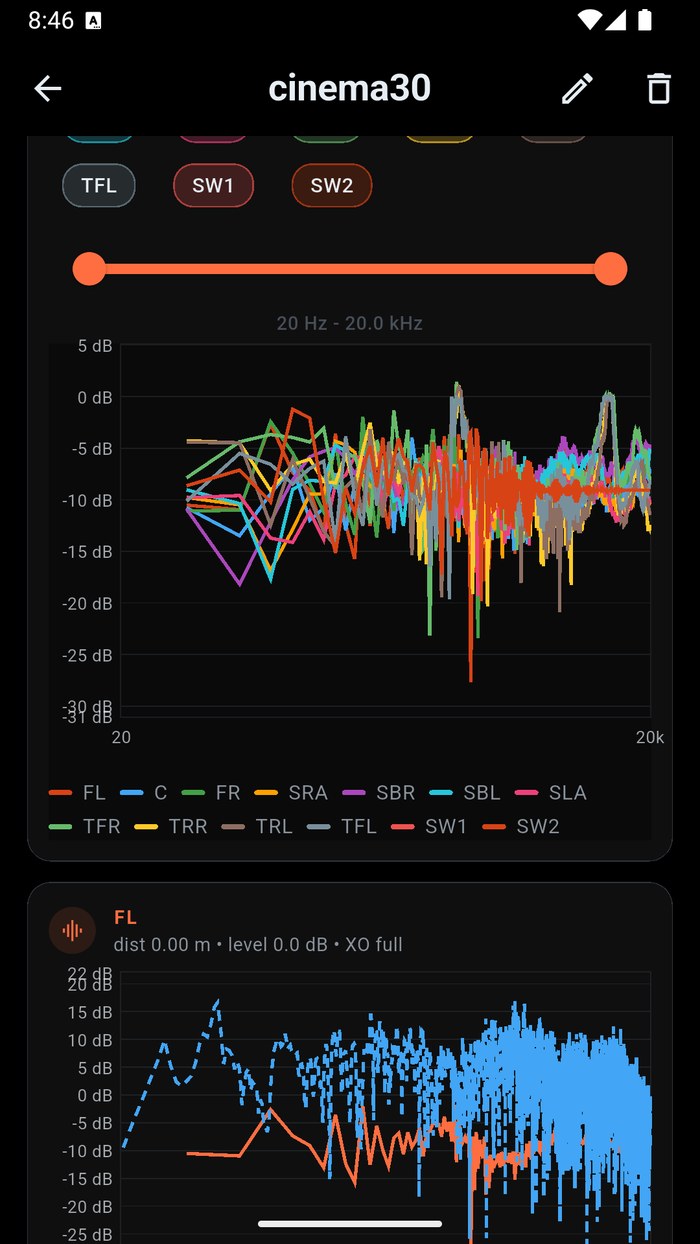
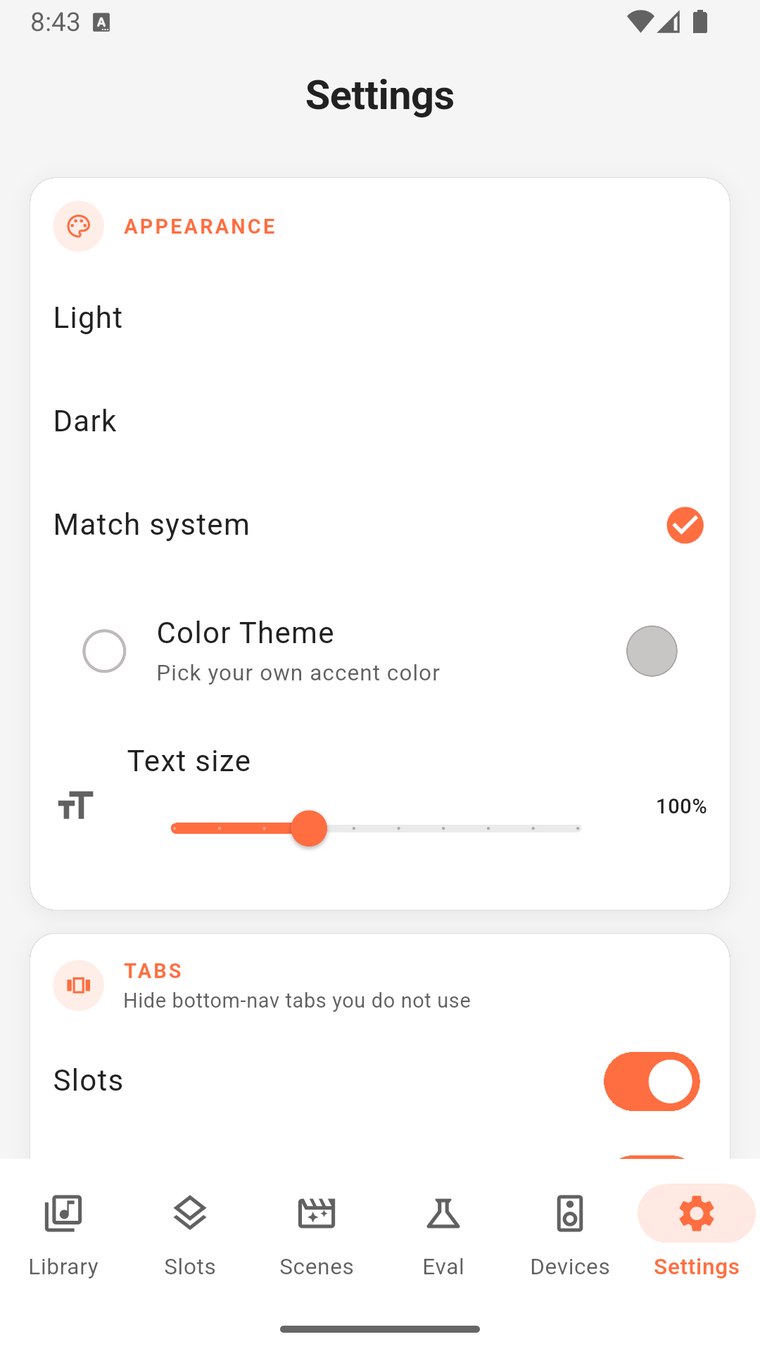
Early screenshots from the pre-release build - the calibration library, curve detail with full frequency-response charts, A/B evaluation, and one-tap upload to your receiver. Tap any to zoom.
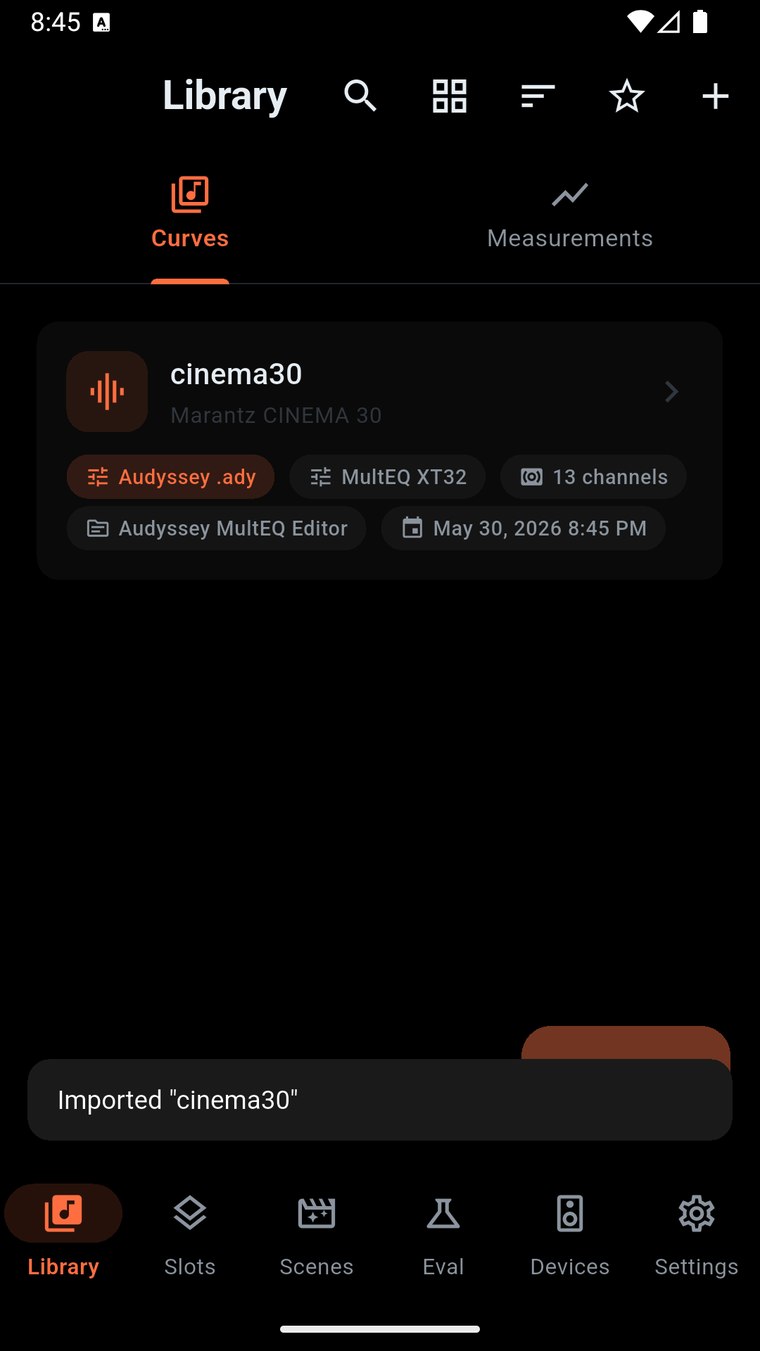
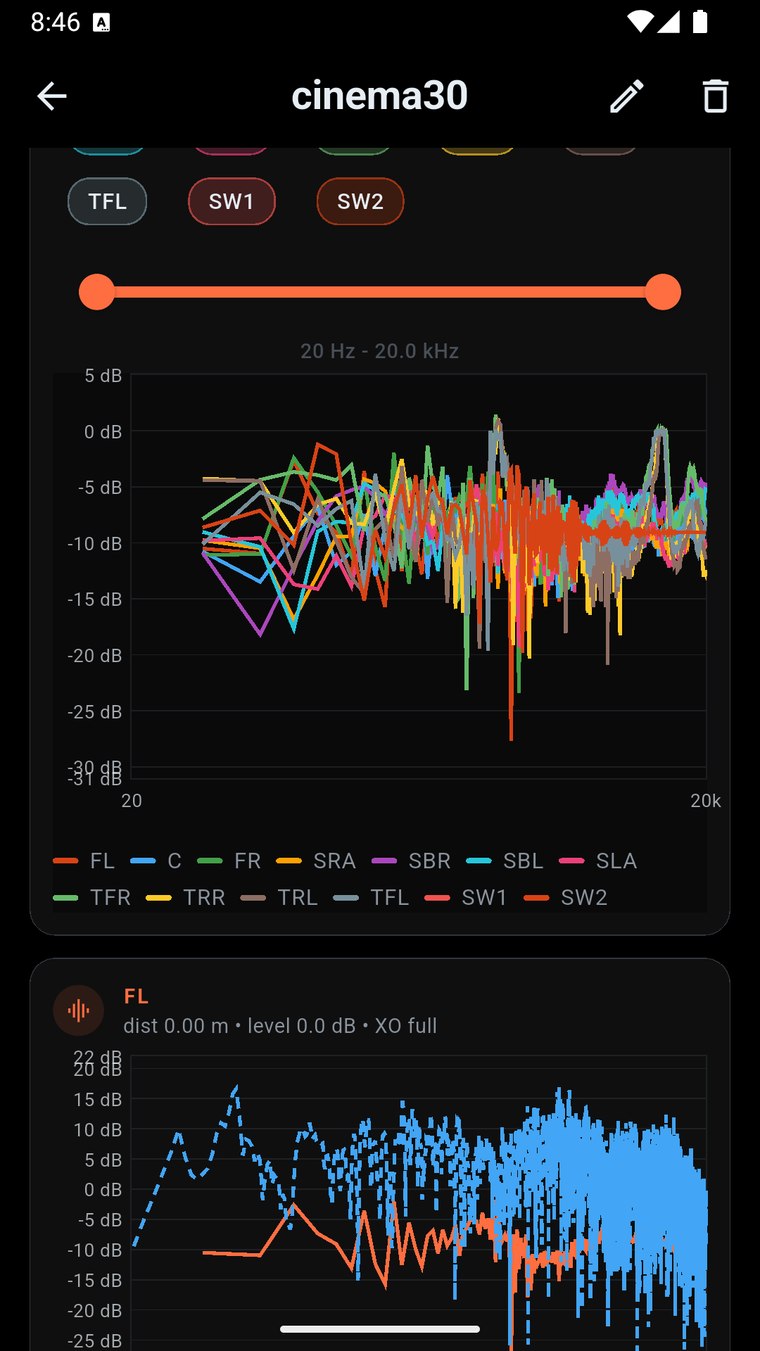
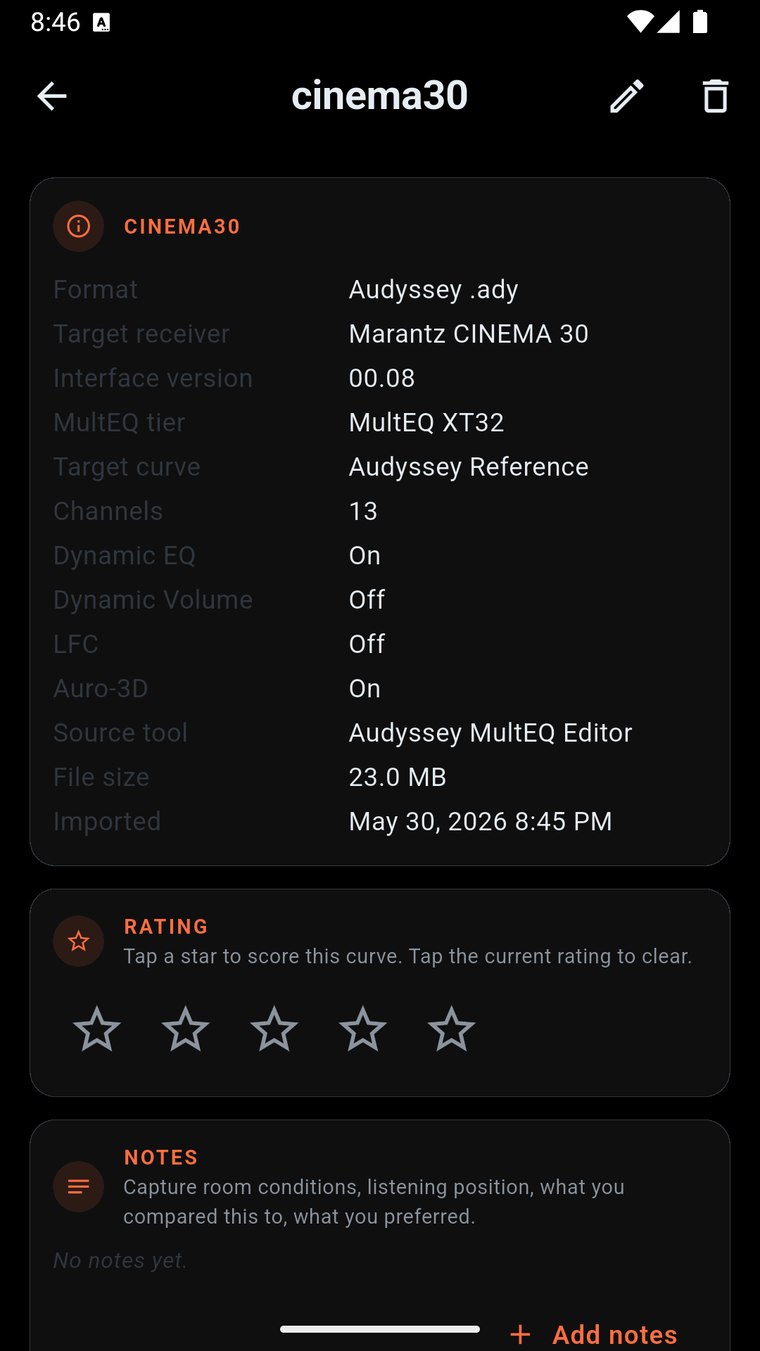
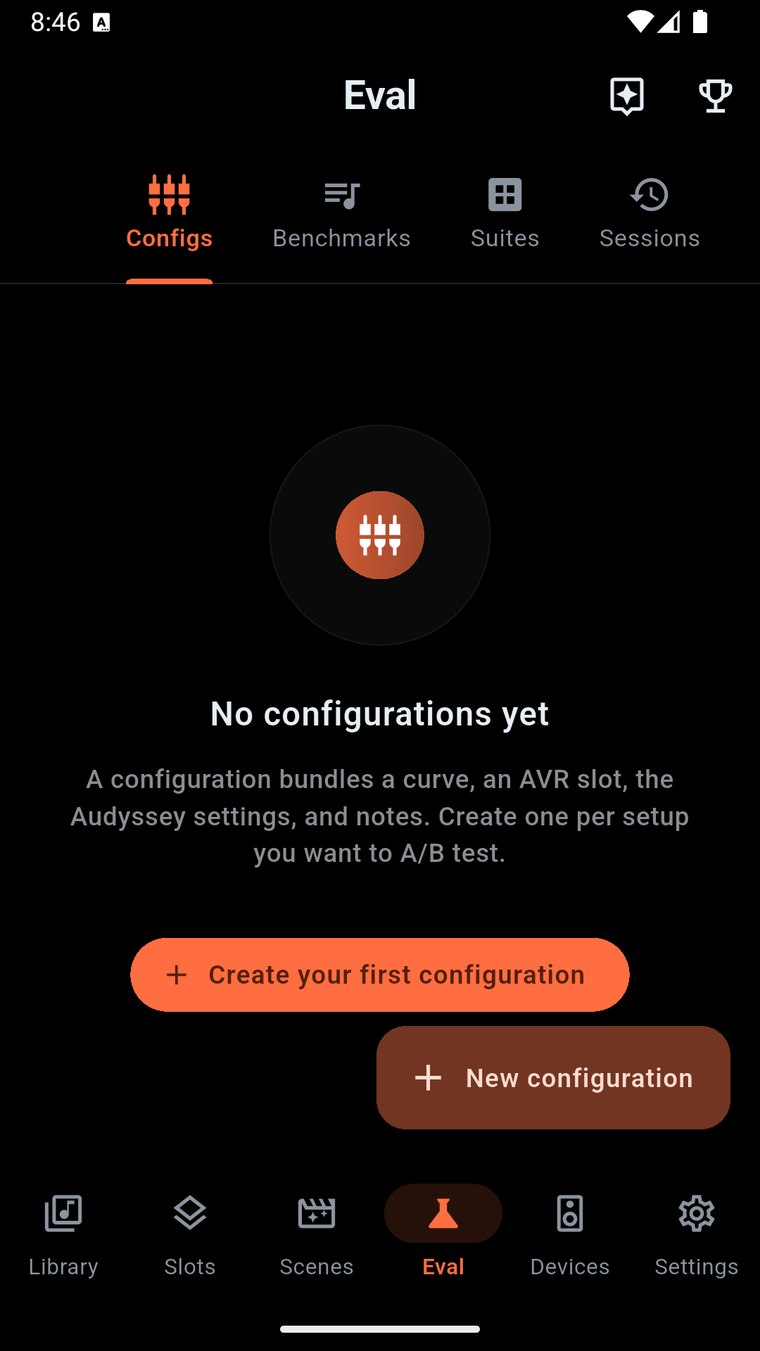
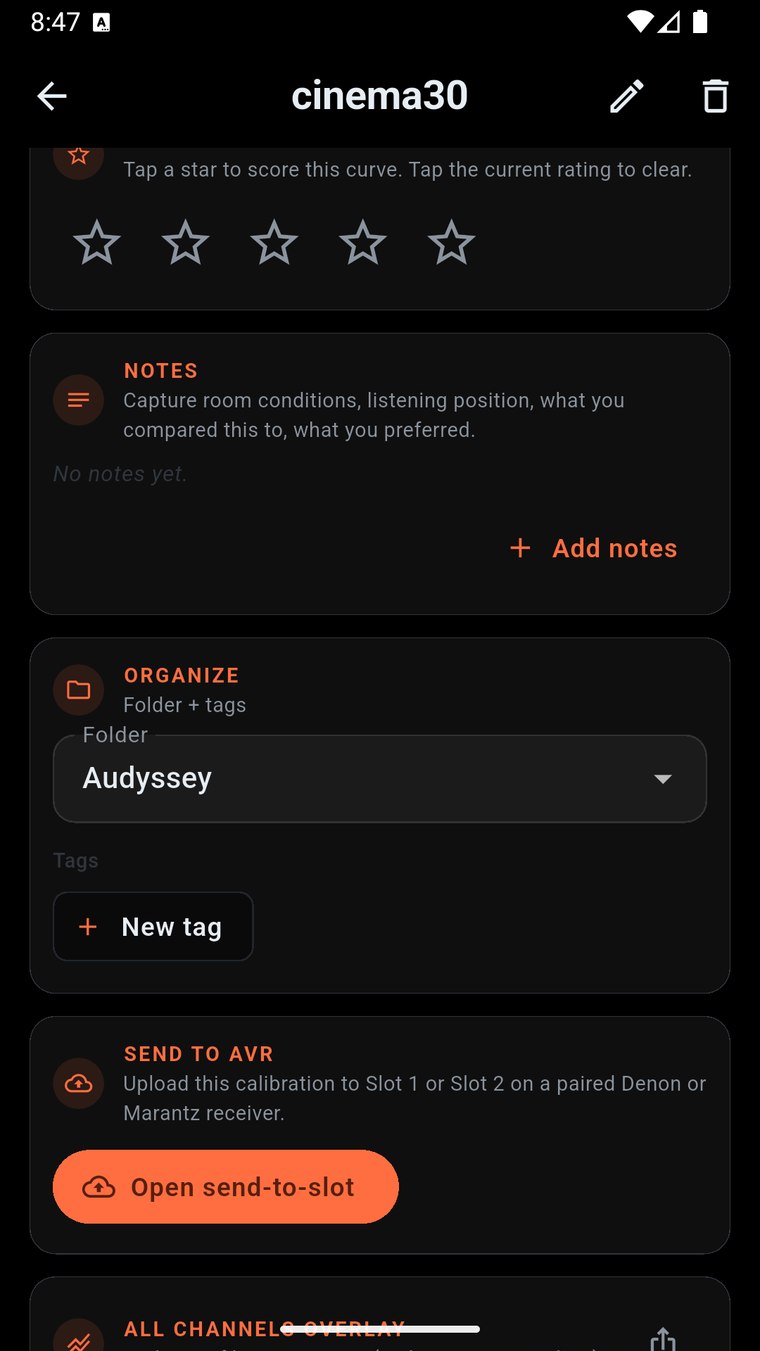
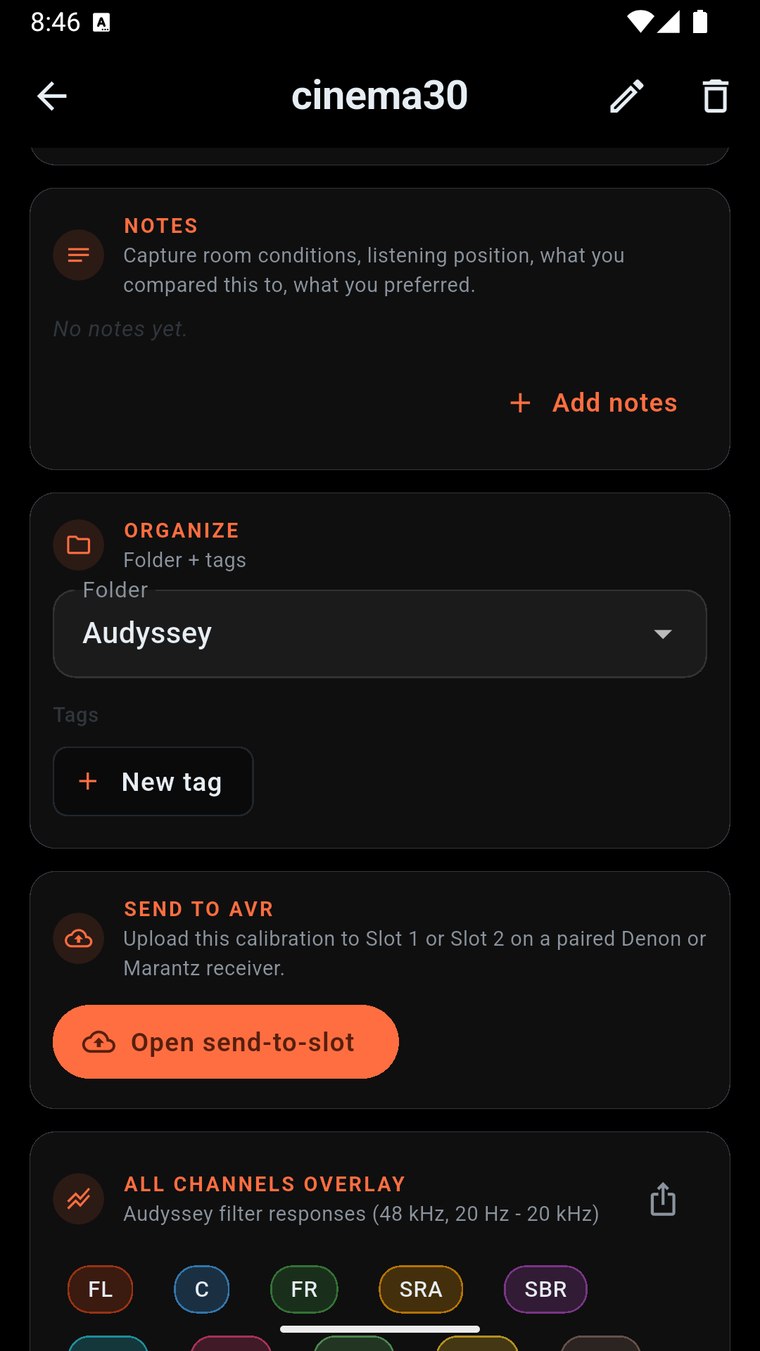
NexusDeck reads the calibration files your existing tools already produce, lets you browse your library on the phone, and uploads them directly to your receiver - no laptop, no MultEQ Editor required for the upload step.
Native parsers for Audyssey .ady, A1 Evo Acoustix .oca, REW .mdat (MEQX export), .frd response curves, and REW PEQ .txt exports. Files imported once are cached in your local library forever.
Everything you've ever imported, on-device. Rename measurements, group multi-position .mdat siblings, refcount shared file bytes so deletes free disk only when no entries reference them. Local SQLite storage, survives app restarts and updates.
Overlay frequency response curves from any combination of Audyssey, A1 Evo Acoustix, and REW imports. Log-frequency X-axis, magnitude in dB Y-axis, multi-position averaging, smoothing controls. See exactly what changed between calibrations.
Send Audyssey .ady files straight to Speaker Preset slot 1 or slot 2 on your Denon / Marantz receiver over Wi-Fi. The chassis verifies the upload; NexusDeck reports back whether it stuck. No cable, no laptop, no MultEQ Editor required for the upload step.
Before any upload, NexusDeck reads back what's currently on the chassis and stores it as a backup entry in your library. One-tap restore returns any slot to a previous calibration. Never lose a working configuration to a botched upload.
Step through every channel of an imported measurement, see the per-channel response, target curve, applied filter set, and the resulting corrected response. Built for the calibration-obsessed audience that wants to understand what the numbers mean.
If you have AVR Maestro installed, NexusDeck automatically reads its paired-receiver list via the platform's shared container - no re-pairing, no second IP entry, no duplicate device setup. The two apps work as one ecosystem.
Receive .ady / .oca / .mdat files via iOS Share Sheet, Android intents, or direct file picker. Export a calibration entry back out to share with friends, post on AVS Forum, or back up off-device.
NexusDeck targets the exact place existing tools leave you stuck: you have a calibration file on your laptop, and no easy way to get it onto the receiver without re-running the desktop app. NexusDeck closes that gap.
Open an Audyssey .ady from MultEQ Editor, an .oca from A1 Evo Acoustix, an .mdat from REW, or any other supported file. NexusDeck parses it, extracts the response curves, and adds it to your library.
Open any library entry to see channel-by-channel frequency response. Overlay two or more curves to see what room correction changed. Rename, group, or delete entries as your library grows.
For Audyssey .ady files: pick a Speaker Preset slot (1 or 2), confirm, and watch NexusDeck stream the calibration to your Denon or Marantz receiver over Wi-Fi. The chassis verifies the upload; NexusDeck reports back whether it stuck. .oca / .mdat / .frd / .txt imports stay in your library for browsing and comparison; chassis upload of those formats is a future release.
NexusDeck is built around the same privacy-first architecture as AVR Maestro. Your calibration files stay on your device, your receiver stays on your local network, and nothing about your setup is sent to MiyaraHub.
Calibration uploads happen directly between your phone and your receiver over local Wi-Fi (TCP port 1256). Files never traverse a MiyaraHub server.
No sign-up, no email, no MiyaraHub login. Open the app, drop in your first calibration file, and you're in the library.
Firebase Crashlytics for crash reports and diagnostic data only - so we can fix bugs you hit. No usage tracking, no ads, no personalization. Opt-out toggle in Settings.
Your calibration library is a local SQLite database plus on-device file storage. Nothing is synced or uploaded to a MiyaraHub server.
A curve only reaches the receiver when you explicitly tap Upload and confirm the slot. Nothing happens automatically, and the chassis is read back to verify what was actually written.
The only system permission NexusDeck requires is network access, used exclusively to reach your receiver on your local Wi-Fi.
Everything you need to know about NexusDeck.
NexusDeck is an independent, third-party application developed and published by MiyaraHub Technologies LLC. It is not created by, affiliated with, endorsed by, sponsored by, or in any way officially connected with Audyssey Laboratories, Denon, Marantz, Sound United, Masimo Corporation, REW (Room EQ Wizard) / John Mulcahy, or any of their subsidiaries or affiliates.
"Audyssey," "MultEQ," "Denon," "Marantz," "HEOS," "Room EQ Wizard," "REW," "MEQX," and all related product names and logos are trademarks or registered trademarks of their respective owners. All other trademarks referenced herein are the property of their respective owners.
References to these products on this page and within the app are made solely for the purpose of identifying file format compatibility and describing the app's functionality (nominative fair use). The trademark holders are not affiliated with MiyaraHub Technologies LLC and do not endorse this product.
NexusDeck communicates with Denon/Marantz receivers using their network control interfaces (HTTP, Telnet, and the binary calibration upload protocol on TCP port 1256). Use of this app is at your own risk. MiyaraHub Technologies LLC is not responsible for any misconfiguration, audio issues, lost calibrations, or other problems arising from the use of this application. Always confirm a backup of your existing Speaker Preset before applying a new calibration.
NexusDeck is in final pre-release testing. This page will update with App Store, Google Play and Microsoft Store links the moment the build is approved.